



 Over 1.000 comments
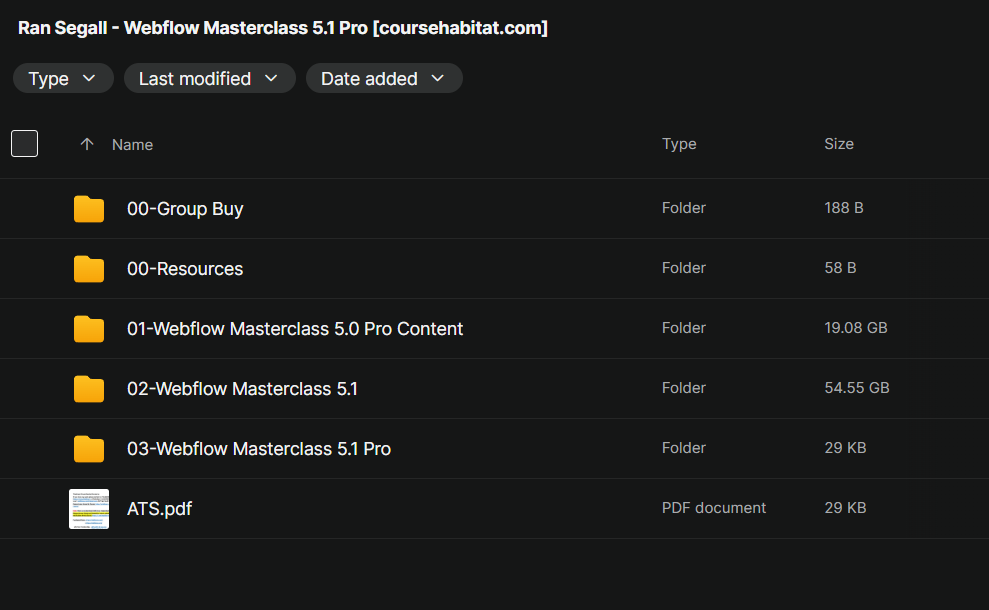


Here’s What You Get:
What Is Webflow Masterclass 5.1 Pro — Scope & Goals
The course is offered by Ran Segall via his school Flux Academy. It aims to teach you how to design and build high-quality, responsive websites using Webflow — with no coding required.
It combines visual design, technical build skills, and business/freelancing training — meaning it’s not just “how to use Webflow,” but also “how to deliver client websites and run a freelance/agency business.”
The “Pro” edition (5.1 Pro) adds business-oriented modules: pricing, client proposals, project management, hand-off — aiming to enable learners to complete real client sites from start to finish.
What You Learn — Curriculum & Major Features
According to published curriculum breakdowns, the course covers (among others):
Webflow Fundamentals: Interface, layout systems (Flexbox, Grid), responsive design, global styles, CMS basics.
Design-to-Build Workflow: Translating design mockups (e.g. from Figma/Sketch) into live Webflow builds — including class naming, structure, breakpoints.
Advanced Webflow Features: Dynamic CMS content, interactions/animations, performance optimization, advanced components, possibly integrations (forms, CMS-driven pages, etc.).
Real-world Projects: Students build several full websites (from simple landing pages to more complex CMS-driven or dynamic sites), mimicking real client work — giving practical, portfolio-ready experience.
Business & Freelancing Modules (Pro-only): Pricing strategies, client communication, proposals, project delivery, workflow & hand-off best practices — designed to help you treat Webflow work as a professional freelance/agency service.
Mentorship & Community Support: Access to a student community, review/feedback sessions, ongoing updates.
Overall, the promise is: after completing the course you could design, build, and deliver Webflow websites to clients — potentially at premium rates — without traditional coding skills.
Who It’s Suitable For — & What It Enables
This course tends to be pitched at people in these groups:
Freelance designers who want to expand into Webflow development and build full websites for clients (without coding).
Agencies or small studios wanting efficient delivery: build custom websites quickly and scale without having to code everything from scratch.
Graphic/UI designers who know design tools (Figma, Sketch, Photoshop, etc.) but lack front-end development skills — the course helps them bridge that gap.
People wanting to launch or grow a Webflow-based business: from design, through build, to client delivery — with skills to price properly, manage projects, and deliver polished websites.
If you’re willing to commit time and follow through the assignments, you could walk away with real skills + portfolio-worthy web projects + a freelance-ready workflow.
Common Criticisms & What to Keep in Mind (from Reviews / User Feedback)
From public reviews and community feedback, these appear as recurring caveats:
Some say parts of the course feel “basic,” especially if you already have decent web design or no-code exposure.
Even though the course promises business and client-work pathways, converting that into real clients depends heavily on your skills, hustle, and ability to deliver — like with any freelance/agency path.
According to some community voices, alternative free resources (like Webflow University) + practice can get you far, potentially reducing need for paid courses.
As with many structured courses, real value often depends not just on watching lessons — but doing the work, building projects, iterating, mastering details. Several Redditors talk about needing hands-on practice beyond the course to really level up.
My Take: When Webflow Masterclass 5.1 Pro Is Worth It — And When to Consider Alternatives
Good reasons to consider it:
If you want a structured, end-to-end path: from design basics → Webflow build → client-ready websites → freelance business workflows.
If you value hands-on projects + portfolio-ready work and want guidance + mentorship to build real sites (not just follow-along templates).
If you lack coding skills but want to deliver high-quality, customized websites quickly.
If you want guidance on pricing, proposals, client work — not just design/build, but turning skill into income.
When you might skip (or postpone) it:
If you are on a tight budget, and are willing to learn via free resources (Webflow University, YouTube) + self-practice.
If you prefer to learn by doing — maybe try building a few personal projects on Webflow first to see if you enjoy it before investing.
If you’re already an experienced designer/developer — some parts of the course may feel basic or redundant.




Reviews
There are no reviews yet.