



 Over 1.000 comments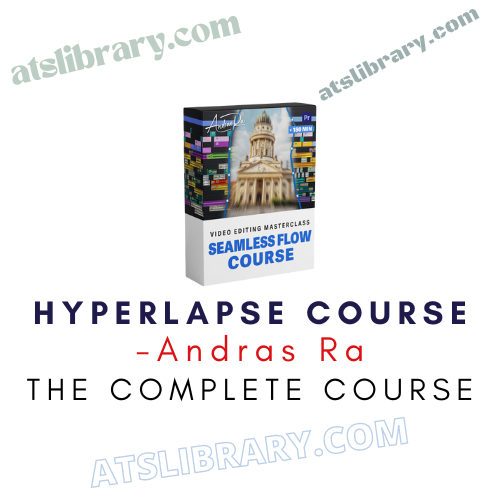
Here’s What You Get:
What This Course Is
Andras Ra – Hyperlapse Course is an online video training designed for content creators, videographers, and editors who want to learn how to produce smooth, cinematic hyperlapse footage — mainly through detailed editing workflows rather than just shooting techniques.
Core Focus
Post-Production Workflow: The course is built around a complete editing process — from importing your footage or images to final export.
Stabilization Without Warp Tool: You’ll learn how to stabilize both photo-based and video-based hyperlapses without relying on automatic warp stabilizers, using manual tracking and adjustment instead.
Detailed Problem Solving: It covers common editing challenges (like perspective drift, blocked tracking points, motion blur issues, etc.) and how to fix them.
Animation & Enhancements: After stabilizing, the course goes into simple motion effects and animations (e.g., adding dynamic gestures to your hyperlapse in Premiere Pro) to make your final video more engaging.
Course Structure
According to the official outline, modules include:
Equipment & Shooting Basics – gear, settings, and shot planning
Photo Hyperlapse Workflow – organizing photo sequences and After Effects tracking
Video Hyperlapse Workflow – stabilizing video-based hyperlapses
Editing Challenges – solutions to typical problems like tilt, blur, and tracking obstructions
Editing & Animating in Premiere Pro – adding motion, color work, export setup
Conclusion & Final Tips
Tools Taught
Adobe After Effects: For stabilization and precise adjustments
Adobe Premiere Pro: For animation, motion tweaks, color grading, and exporting
The course provides presets for motion/transition effects and export settings, plus downloadable raw footage to practice with.
Benefits & Extras
Step-by-Step Video Lessons: 18+ tutorials totaling around 2+ hours.
Lifetime Access: Purchase gives ongoing access to the material.
Practice Assets: Raw hyperlapse footage for learning by doing.
Presets Included: Motion/transition presets and export settings to speed up your workflow.
Email Support: Direct access to ask questions and get feedback.
Money-Back Guarantee: Typically comes with a 14-day refund policy if not satisfied.
About the Instructor
The course is taught by Andras Ra, a professional video editor and videographer with years of experience producing hyperlapse content for brands and clients such as Adobe, DJI, and Insta360.





Reviews
There are no reviews yet.